UI Showcase
This page collects the current product screenshots stored in docs/public/images/ so reviewers can scan the implemented UI without running the app first.
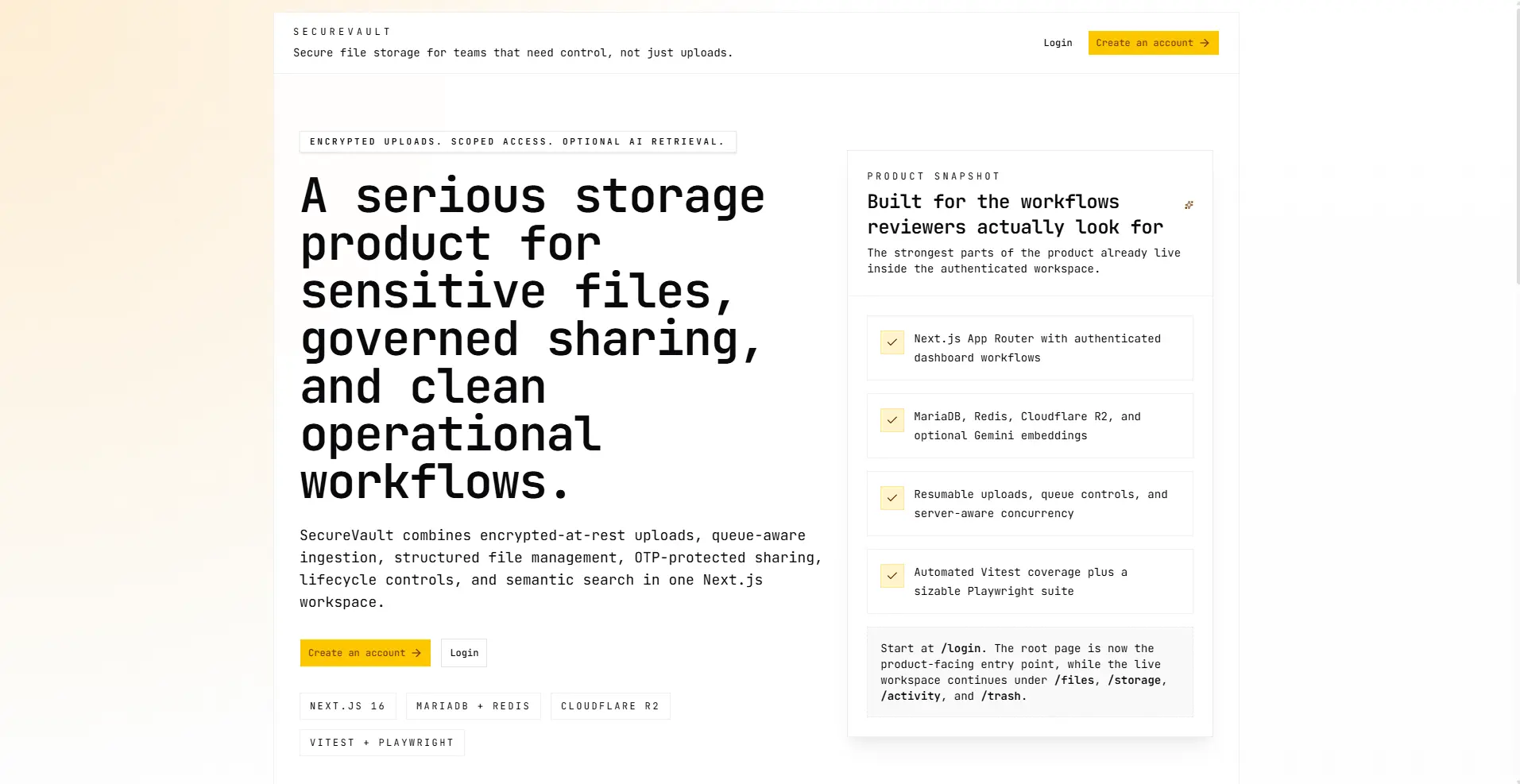
Landing Page
The public-facing entry point presents the product positioning before users move into authentication and the dashboard workflow.
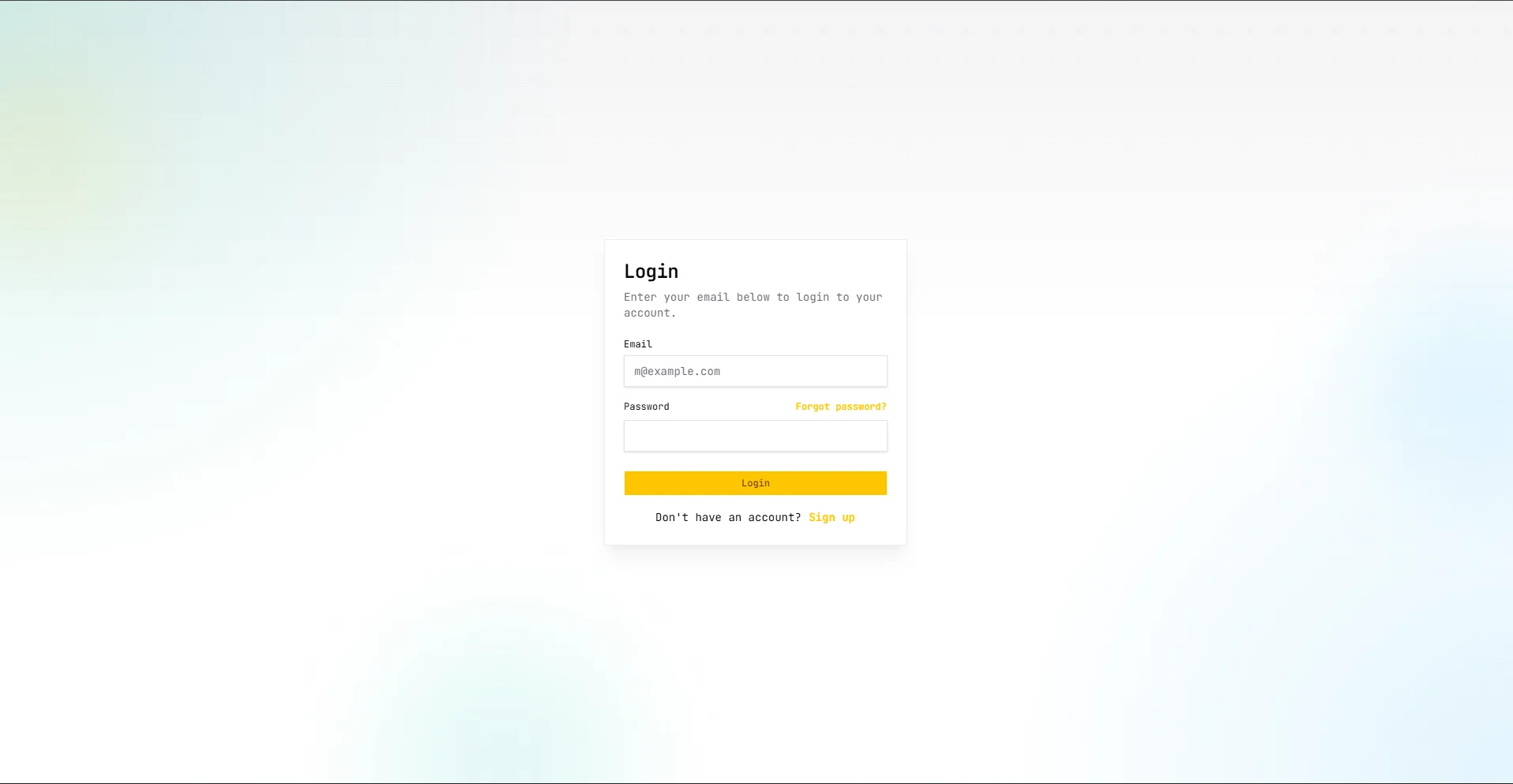
Login
The authentication flow uses the same visual system as the dashboard: mono-first typography, bordered shells, and restrained accent color.
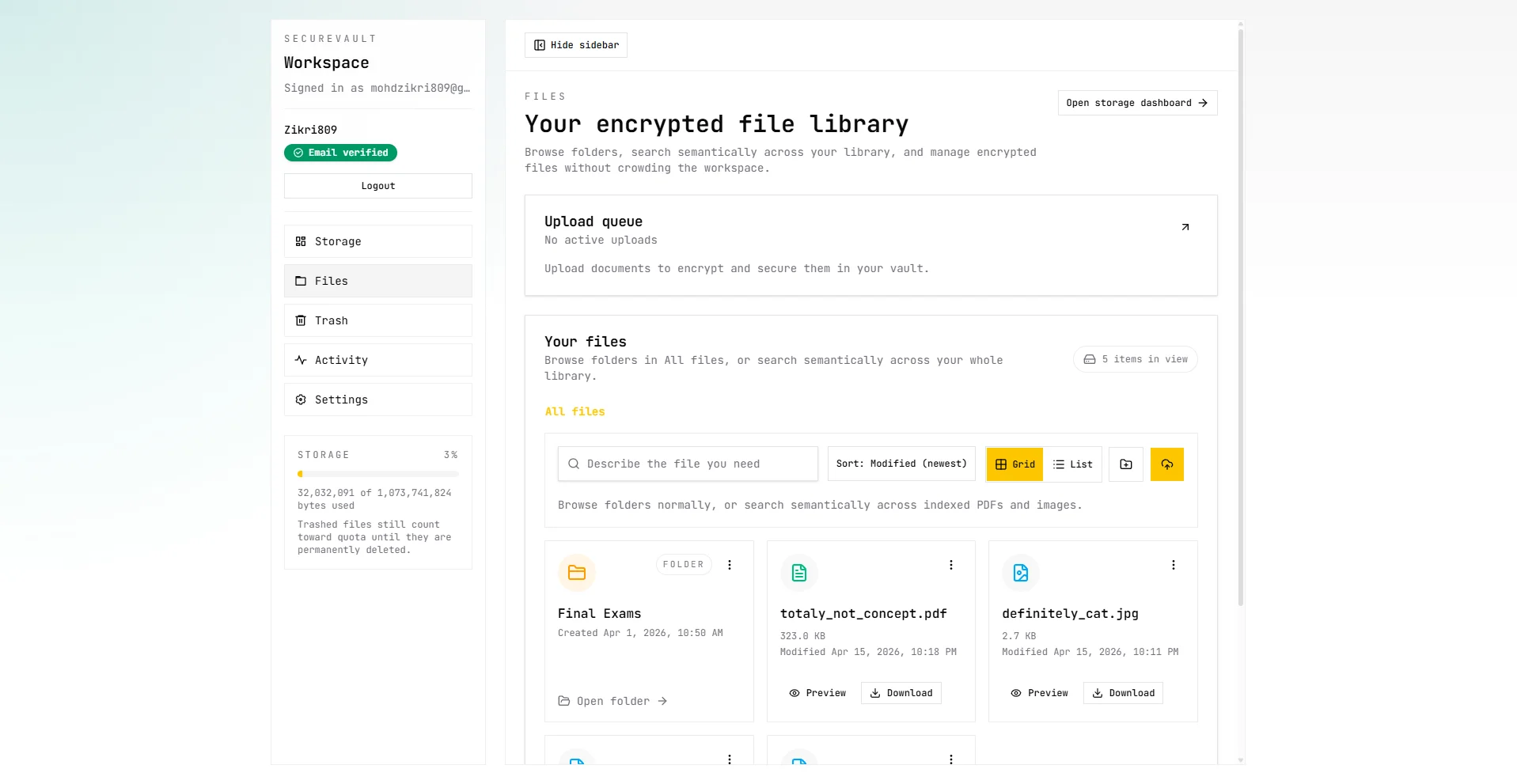
Files
The file workspace is the main operating surface for uploads, browsing, preview, organization, and bulk actions.
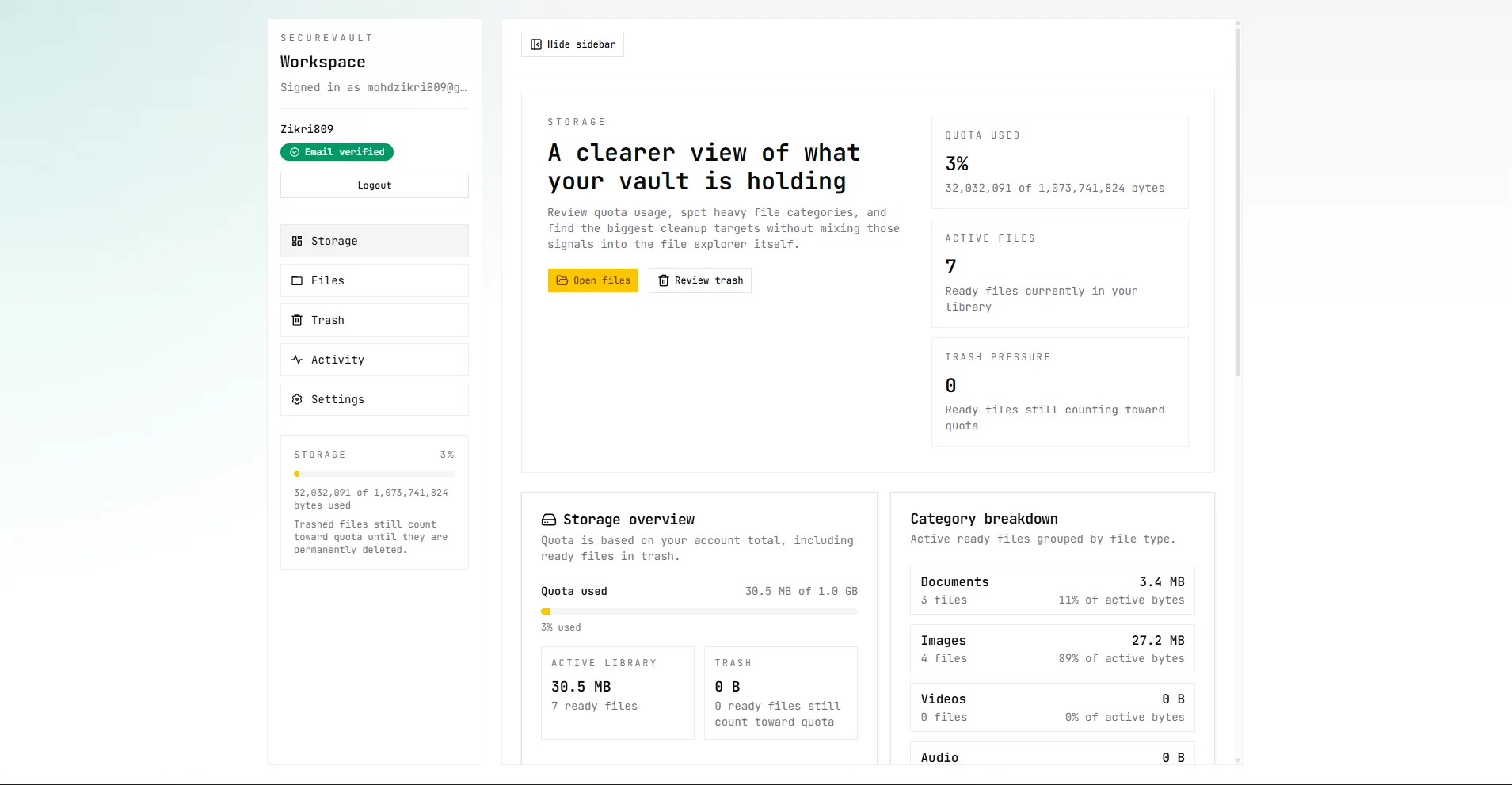
Storage
The storage dashboard exposes quota usage, largest files, and category-level visibility into account consumption.
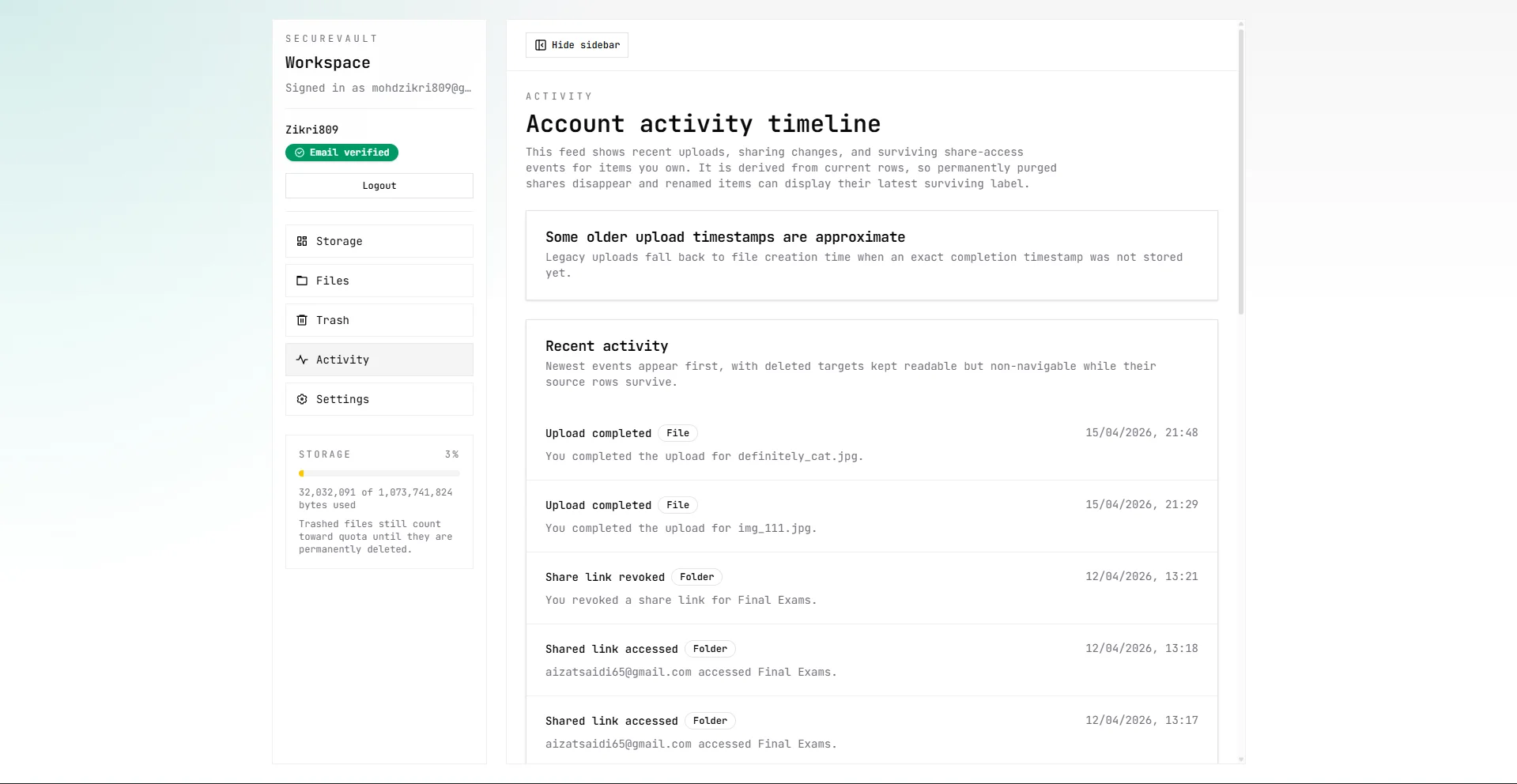
Activity
The activity feed makes uploads, sharing, and other account events visible in a single audit-style timeline.
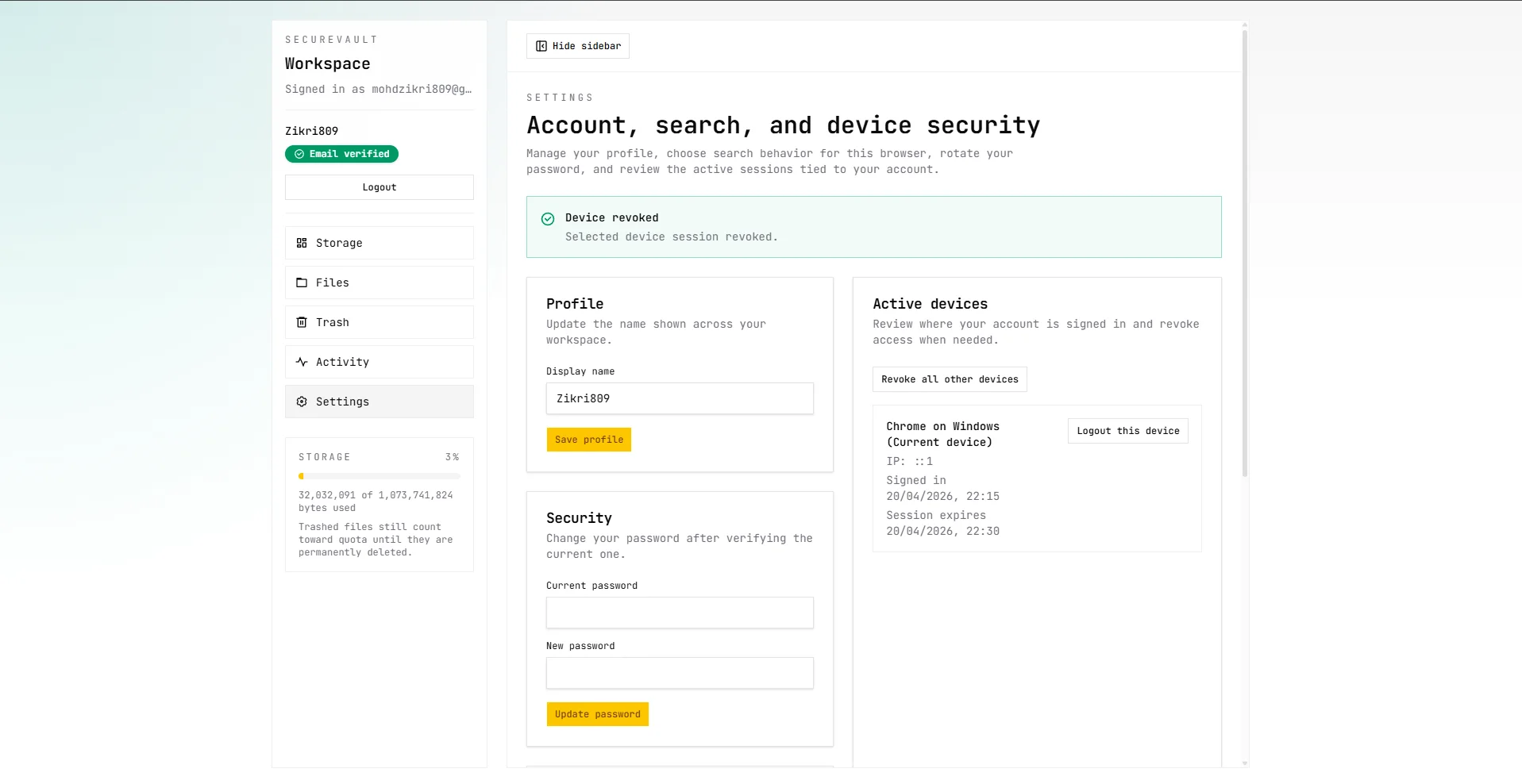
Settings
Settings groups account management and related user controls into the same dashboard language as the rest of the product.
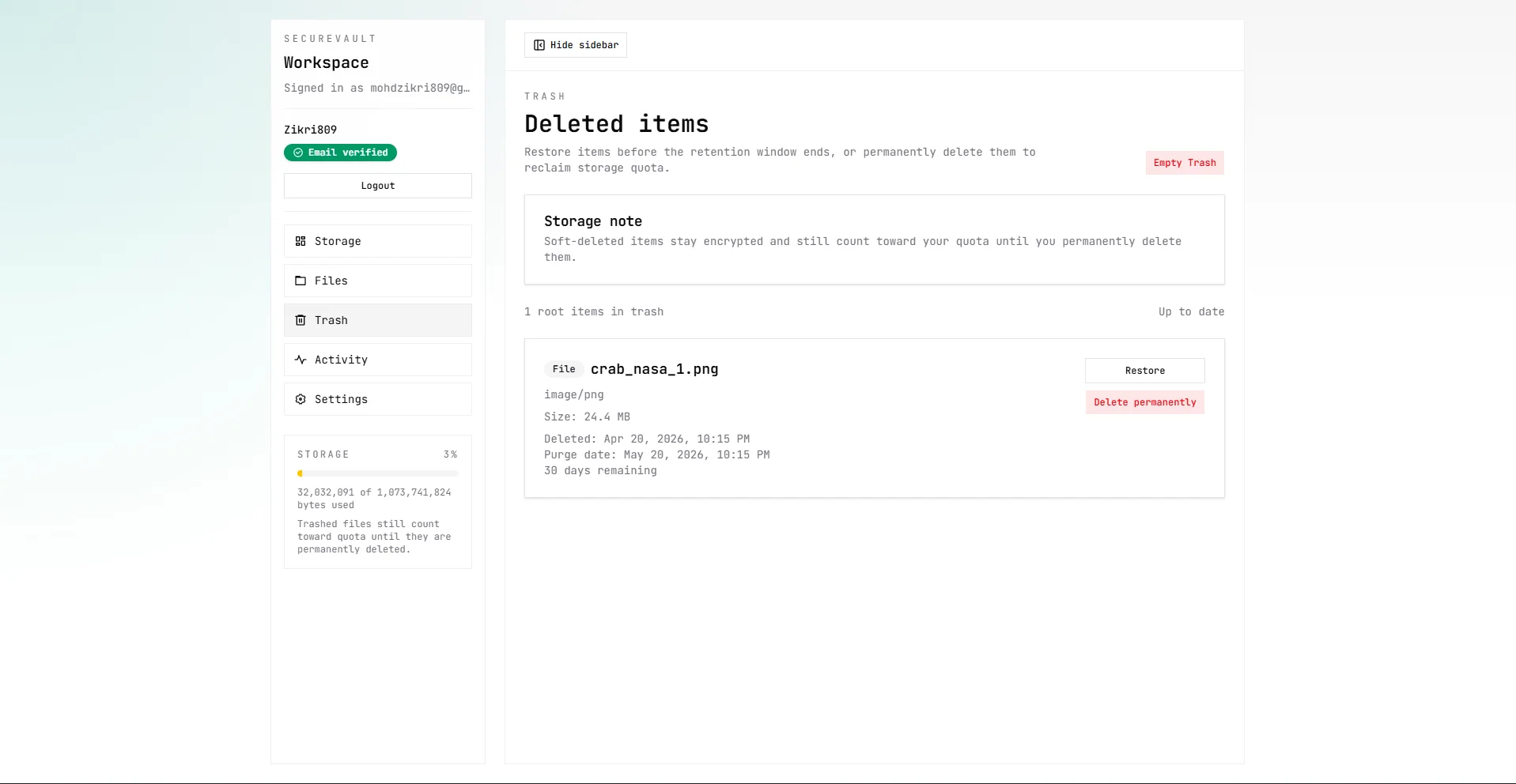
Trash
Trash supports recovery-oriented workflows so users can inspect and restore deleted content before permanent removal.